
9 photos you should always have at the ready on your phone
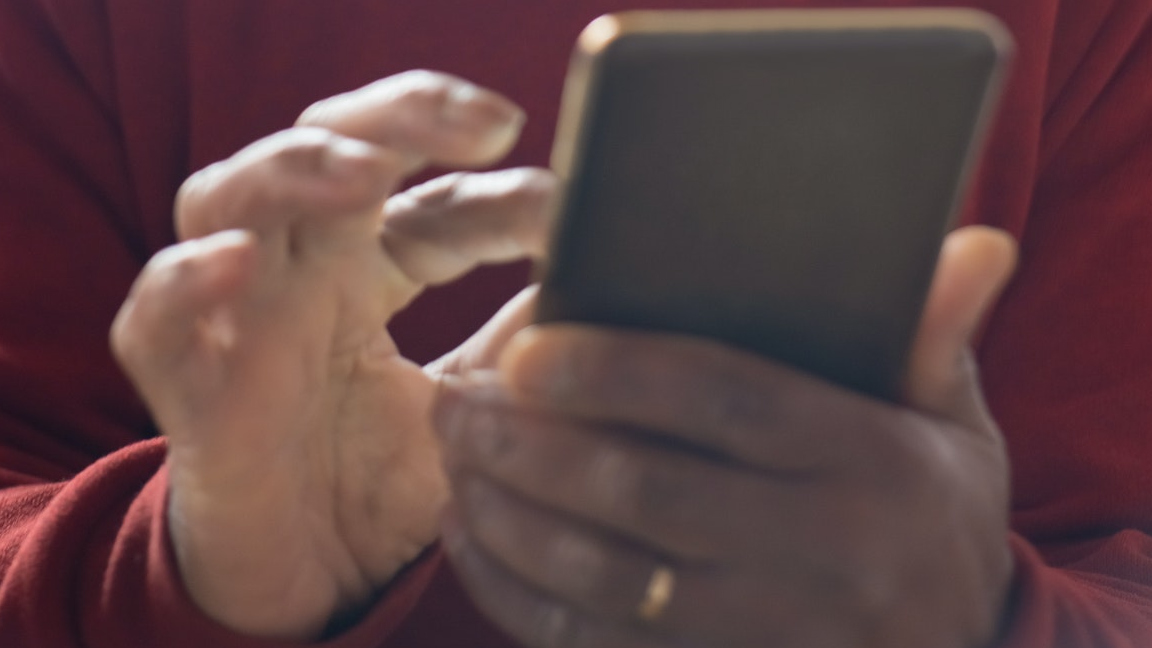
Your phone’s photo library is good for more than just selfies and pictures of food for Instagram. Snap and keep copies of important documents such as vaccination cards, driver's license and other forms of identification.

(Pexels Photo)
(Pexels Photo)
Your phone’s photo library is good for more than just selfies and pictures of food for Instagram.
Most of us have enough screenshots, memes, and other junk clogging things up that it’s hard even to see the photos we need to access quickly. I put together an easy guide to clear out the mess. Tap or click here for the simple trick I use to clean up my photos.
I have a shortcut below to keep track of your most important pics, but there’s another easy way to find, for example, that beautiful shot you took at the beach in Hawaii three years ago. Tap or click for the photo search tip everyone needs to know.
Your life will be better organized with these images at your fingertips.
Your COVID vaccination card
It’s useful to have this at the ready in case you ever need to show it to a health care provider, a restaurant, or for travel purposes. It’s also safer than keeping it in your wallet, where it can get crumbled or ruined.
Don’t want your card getting lost in a sea of pictures? Follow the steps below.
If you use an iPhone, open Notes and tap the Camera icon > Scan Document. Your phone’s camera will open. Snap a photo of your card. When you’re happy with your pic, tap on the three dots in the corner and select Pin. That way, it’s always at the front of the pile.
Did you know you lock notes down with a password, too? I’d suggest doing this for anything you don’t want others to get their hands on. Tap or click to password protect a note. (Scroll down to No. 6.)
It’s simple on an Android as well. Open the Google Drive app and tap Add, then Scan. Take your photo, then tap on the three dots to add it to Starred documents.
This well-reviewed Android app, Private Notepad, is another smart way to keep your private info safe and secure.
Driver’s license and other IDs
For most people, a driver’s license or state ID is their main form of identification. It easily fits into a wallet or handbag and should always be with you. But there could be instances where you don’t have it with you, say when you’re hiking.
That’s why it’s a good idea to have these stored on your phone. Be sure to use the steps above to lock it down with a password.
Your state may offer an app for your driver’s license or state ID. Arizona, Colorado, Delaware, the District of Columbia, Florida, Idaho, Iowa, Louisiana, Maryland, Michigan, Oklahoma, Texas, and Wyoming are among the states that provide digital license options or pilot programs. Check official state government websites for more on how to apply.
License plate, VIN number, auto insurance card
Imagine this: You’re running errands, and when you go back to where you know you parked, your car is gone. In the panic, you’re not going to remember details like your license plate number. Instead of rifling through documents once you get home, walk outside now, and snap a few pictures.
This is smart info to have on hand before you need it. Don’t forget about your auto insurance card. If you get into a fender bender, you can grab the physical card from your glove compartment, but that might not always be possible.
Medical and dental insurance cards
True story: A couple of times a year, my son would call and ask me to send him a copy of his insurance card to avoid the university’s mandatory health insurance charges. I get it, it’s a pain to keep them around, and you might not always have the physical copy on you.
The requests from my son stopped once I told him to save the picture to his camera roll and “favorite” it. Now he can go to his photo gallery. That’s faster than waiting for me.
Your phone is always on you, but your wallet might not be. I love not having to dig through flimsy paper cards to grab my insurance info when I’m filling out forms.
Airbnb or other rental property
Just like with a rental car, you’re likely responsible for damage to an Airbnb, VRBO or other rental property. After I get my bags inside, I take a photo in each room of my rental. You can zoom in on damage, like a big mark on the wall, for extra backup.
Be sure to take a selfie standing in front of the rental. When you take a photo using your smartphone, it is geotagged. That means it’s easy to get directions back using your phone’s Map app or by showing the address to your Uber or Lyft driver.
No more pulling up the rental property listing in your email or an app every time you go out.
What digital lifestyle questions do you have? Call Kim’s national radio show and tap or click here to find it on your local radio station. You can listen to or watch The Kim Komando Show on your phone, tablet, television or computer. Or tap or click here for Kim’s free podcasts.
Related
 3 seconds. That’s all scammers need to match your voice through AI
 If someone gets into your email, they own every account you have. 3 moves lock them out for good
 $163K in fake medical bill charges, AI uncovers it for you
 The robotaxi price war is here. Here’s what you need to know about navigating it
 Don’t lock your family out: A digital legacy guide
 Secret phrases to get you past AI bot customer service

Comments
0 Comments