
Has your home Wi-Fi been compromised? Here’s how to check for and prevent hacking
There are several ways to tell if your home Wi-Fi has been compromised and practical steps to prevent the issue from happening to you.
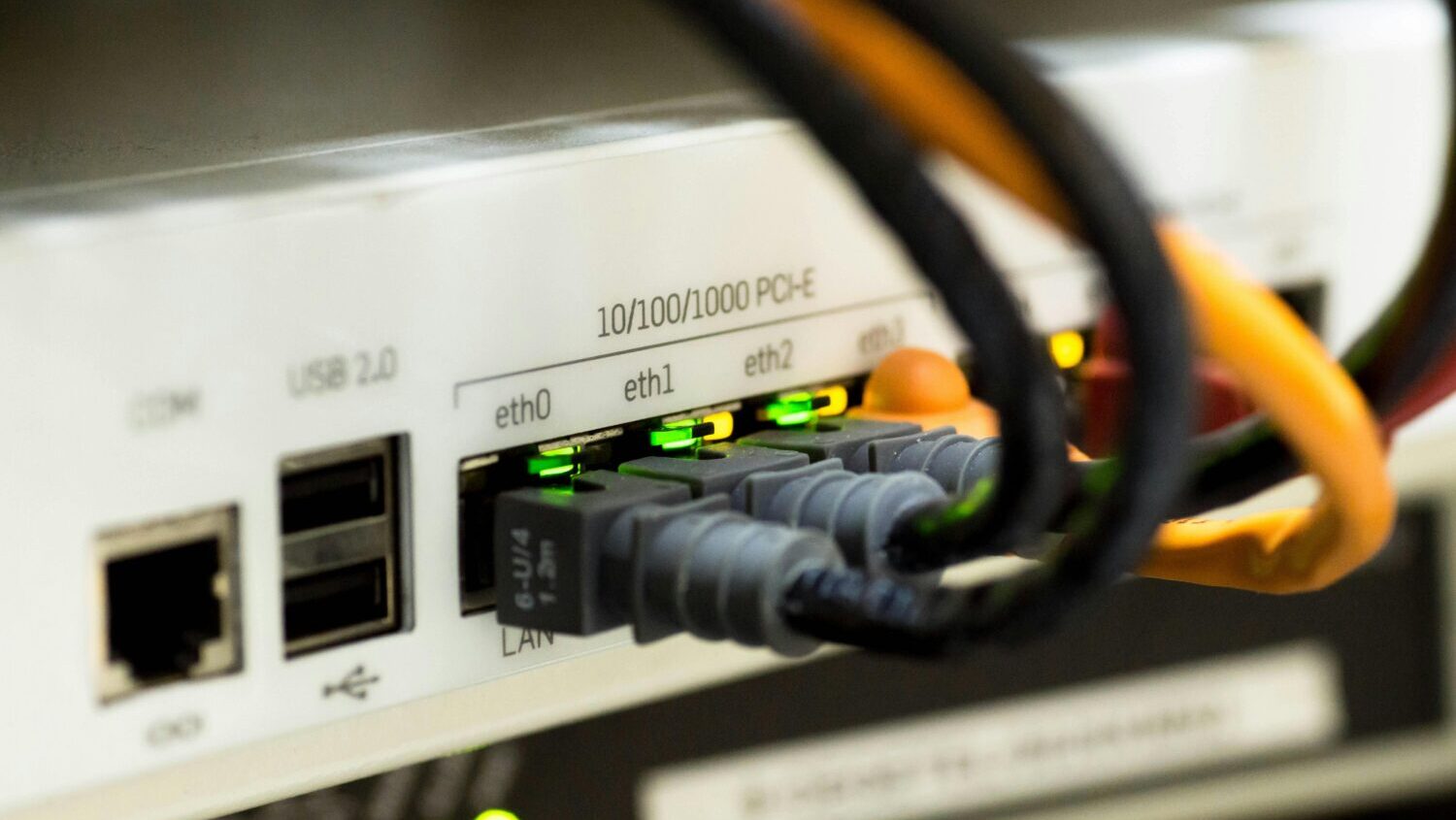
(Pexels photo)
(Pexels photo)
Q: Is there a way to tell if someone has hacked into my home Wi-Fi network without me knowing?
A: The unsettling answer is that most people would never know — and that’s exactly what makes it such an effective target.
Unlike a break-in that leaves visible signs of damage, a compromised home router typically keeps working just fine. Your internet stays on, your devices connect normally and nothing obviously seems wrong. Meanwhile, someone else may be quietly using your network for purposes you’d rather not be associated with.
FBI warnings
The FBI flagged this problem earlier this year when it identified nearly 1,200 home routers and other devices that had been secretly recruited into a criminal network. Those compromised routers were sold as “residential proxies” — essentially renting out your home internet connection so that criminals could hide their identity and location while committing cybercrimes.
How to check
Start with your router’s device list. Log into your router’s dashboard by using the associated app or by typing 192.168.1.1 or 192.168.0.1 into a browser and logging into the administrative interface.
Once you’re in, look for a section called “connected devices” or “device list.” Every phone, laptop, TV and smart gadget legitimately on your network should appear there. Anything you don’t recognize is worth investigating. Keep in mind that device names aren’t always obvious, so don’t jump to conclusions without thoroughly investigating.
If you aren’t familiar or comfortable with the router tools, you can use an app on your smartphone called “Fing” to scan your network.
Are you an easy target for home Wi-Fi hacking?
The more important question, though, isn’t just whether you’ve been hacked — it’s whether your router is making it easy. Two things leave most home routers wide open.
The first is the administrator password. Every router ships with a factory default login — often something as simple as “admin/admin” — and most people never change it. That password controls your entire network, and attackers know the defaults for every major brand. Changing it takes about two minutes and closes one of the most common entry points.
The second is firmware. Your router runs software that develops security vulnerabilities over time, just like any other device. Unlike your phone, it never reminds you to update, so you need to learn how to check for updates and apply them.
Routers that have reached end-of-life status and no longer receive security updates are especially easy targets, and many households are running models that are close to a decade old. If yours falls into that category, replacement is worth considering regardless of whether it still connects your devices reliably.
A router that works isn’t necessarily a router that’s secure. It’s the front door to every device in your home — your computers, phones, cameras and smart speakers — and most people haven’t checked the lock in years.
Either take the time to learn how to log in, audit your connected devices, change your admin password and check for firmware updates or have a trusted tech resource come to your home to check these very important “locks” in your digital home.







Comments
0 Comments